19 October 2026
How to find out who's running the job before you call the sign number
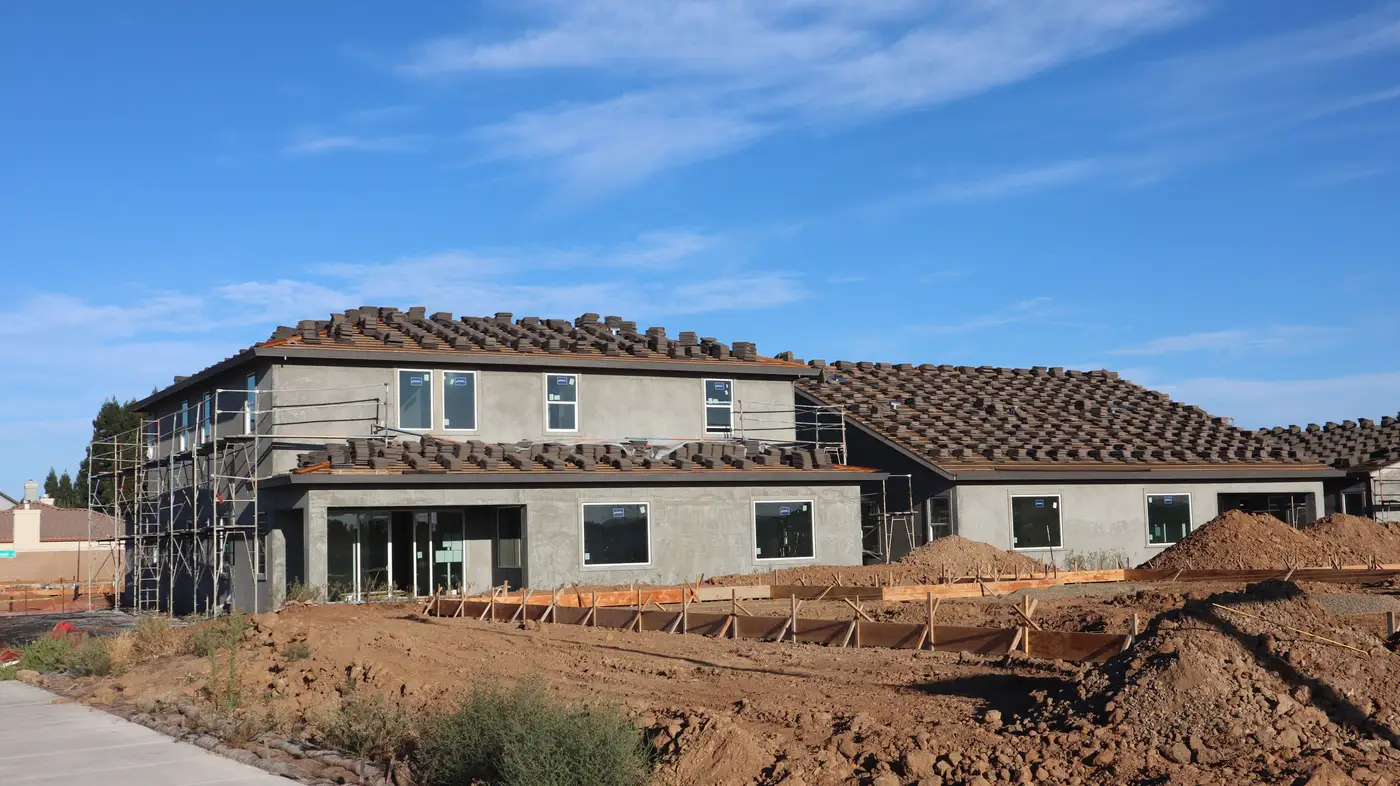
You've seen the sign a hundred times. Painted plywood or a printed banner zip-tied to the chain link, contractor name, a phone number, maybe a project ID. You call it hoping for the super and get a receptionist at the GC's downtown office who has never heard of the job and transfers you to a voicemail that nobody checks.
That number on the sign is there because the building code requires it, not because it's the fastest way to reach the person pouring footings this week.
Why the sign number rarely gets you the super
Permit postings list the contractor of record, which is usually the company's main office. On a job big enough to need a crane, that office might have thirty active projects running at once. The person answering phones has no reason to know which super is on which site, and the super isn't sitting by a desk phone anyway. He's in a truck, in a trailer, or forty feet up on a man lift. Calling the sign number and asking for "whoever's running the job on Fifth Street" gets you nowhere fast.
Where to find the job site contact
A few things work better than the sign:
- Pull the permit online. Most counties post permit records with the general contractor's license number and sometimes a project manager name attached to the application. Search the address on the building department site before you ever dial.
- Call the GC's office and ask for the PM by project, not the super by name. Front desks can usually look up which project manager is assigned to a job address even when they can't place the super. Get the PM's name and ask who's running field operations day to day.
- Walk it. If the job is local, drive by. The super's truck is parked closest to the trailer, usually with a company decal or a magnetic sign. Trade contractor trucks on site (electrical, mechanical, plumbing) often have stickers with their own super's cell number, and those guys know who's running the GC side.
- Ask the subs. Electricians and plumbers on site see the super every day. A five-minute conversation at the gate gets you a name and sometimes a direct cell faster than any phone tree.
- Check LinkedIn for the GC plus the project city. Project managers and supers post job-site photos and tag the project name. It's slower than a drive-by but works for jobs outside your usual territory.
- Ask your rental yard or your own delivery drivers. Whoever's dropping the porta-john, the dumpster, or the scaffold already has a cell number for the job contact. That relationship is worth more than a cold list.
Timing matters as much as the name
Here's the part that trips up a lot of territory reps: you can do all of the above, land the super's direct cell, and still waste the call because you've reached him at the wrong stage. A super running excavation doesn't want to hear your drywall pitch any more than a GC pouring slabs wants a call about roofing. Getting the name solves half the problem. Knowing where the job actually sits in its build, groundworks, structure, fit-out, solves the other half, and that's the piece most contact lists leave out entirely.
If you're working a whole territory, name-hunting one job at a time doesn't scale. Plant On Site reads what's parked and stacked at an address from recent aerial imagery and sorts your list by build stage, so you spend the legwork above on the sites that just entered the phase your product gets specified for, instead of cold-calling every address on the list the same day regardless of where it sits in the build.
Get the super's name first. Then let the stage tell you when to use it.